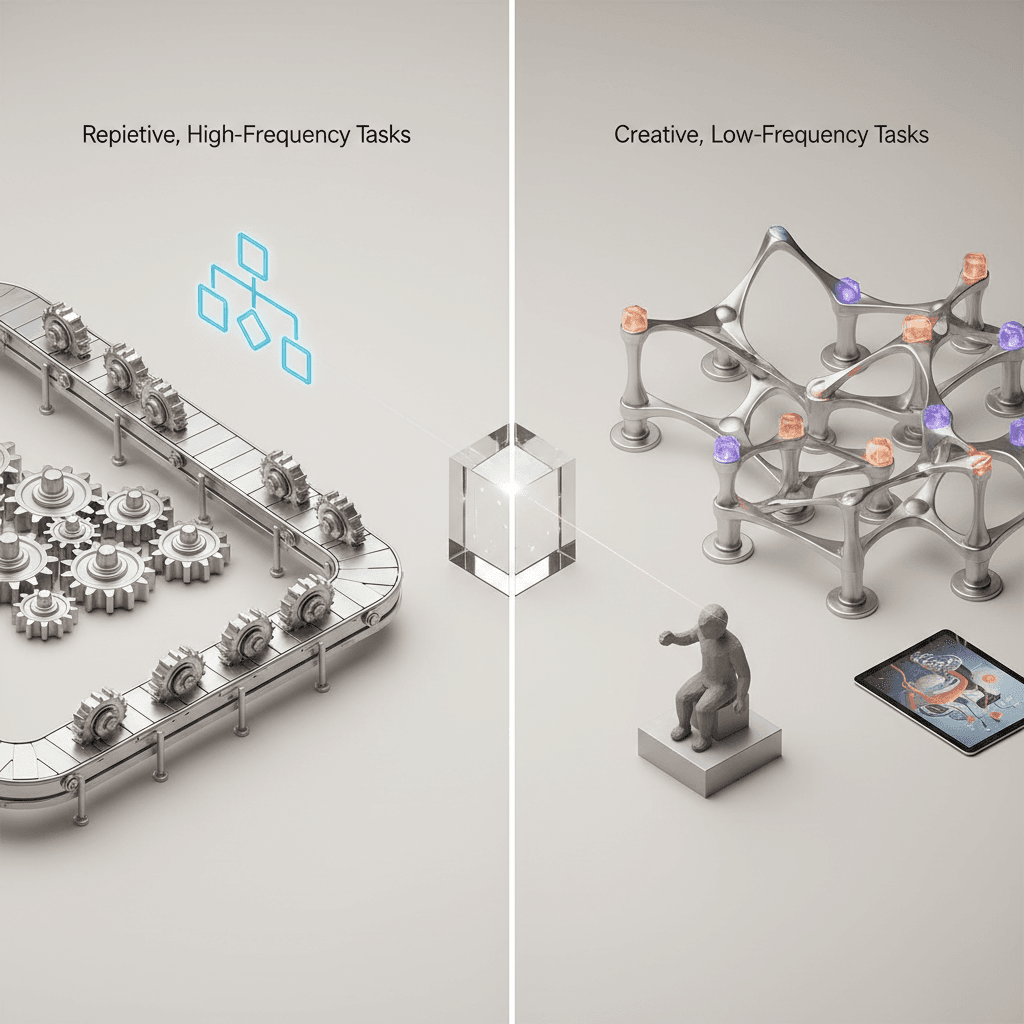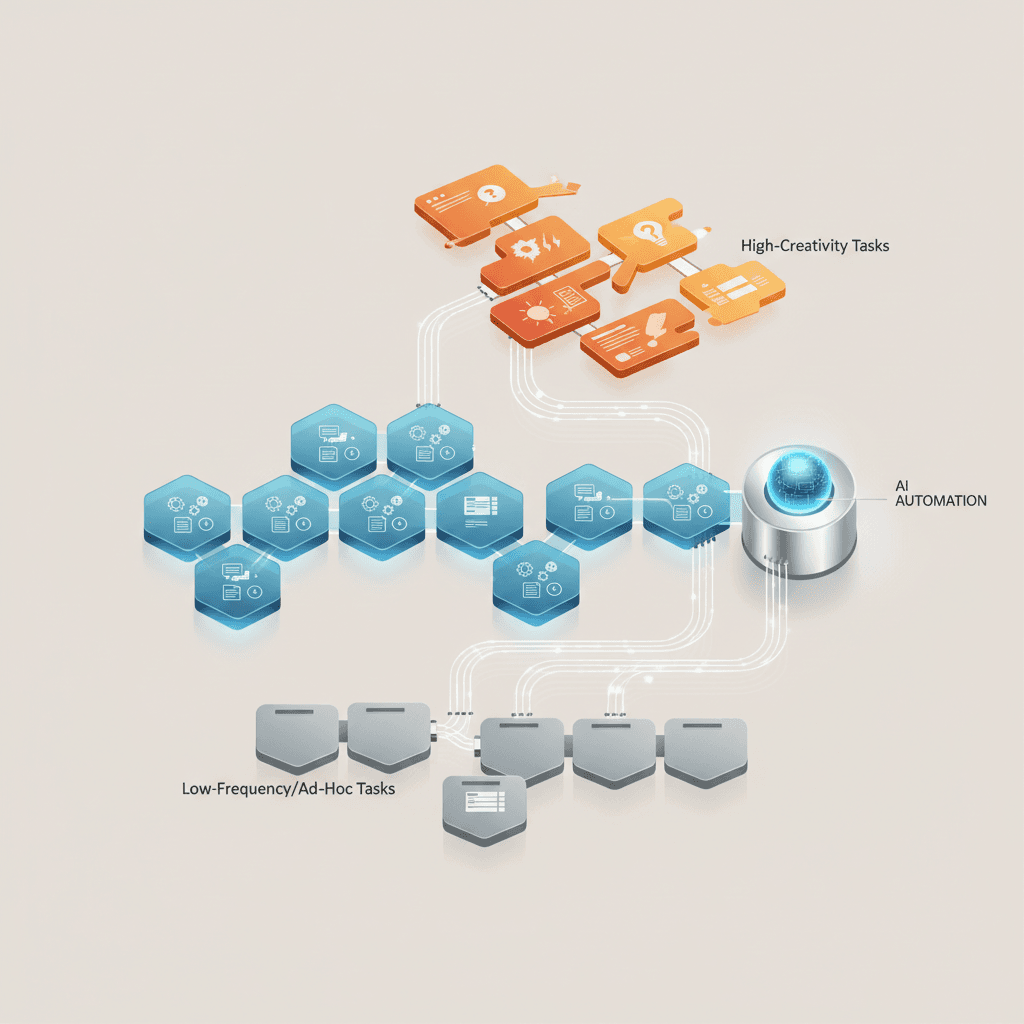
Start with a frequent, well-defined task whose output can be checked and whose failures can be contained. Support ticket sorting, preparing document fields for review and routine transfers between systems can be candidates. Choose using your actual volume, exception rate, available integrations and an accountable process owner. Not every candidate needs AI, and a first implementation should demonstrate its value before a wider rollout.

The Framework for Automation Prioritization
Start with one workflow that has repeatable inputs, a clear owner and a result you can check. High volume helps, but it is not enough: a frequent mistake that changes customer balances is a different starting point from preparing an internal draft. I would compare candidates using the same recent period and include the time spent correcting exceptions, not just the time spent on the normal path.
For each candidate, write down the trigger, the systems involved, the manual action and the acceptable result. Then answer four questions. Can an operator explain the rules? Are representative inputs available? Can the output be checked before an important action? Can someone stop processing and resolve a failed run? If one answer is missing, the first deliverable may be a clearer process or better data rather than an AI integration.
- Value: How often does this happen, how long does it take and what does a delay prevent? Record a baseline instead of assuming a percentage saving.
- Feasibility: Can the existing tools provide the required data and permissions? Check a native feature or existing connector before commissioning custom code.
- Risk: What happens if the output is wrong, duplicated or late? Preparation and review are usually a narrower first scope than autonomous external actions.
- Ownership: Who reviews exceptions, pays recurring costs and maintains the workflow when an API or business rule changes?
These criteria are not a universal score that predicts ROI. Compare the strongest candidates with actual sample records. Choose a bounded first implementation whose acceptance criteria are clear; postpone a candidate with uncertain inputs or disproportionate recovery costs. A deterministic rule or scheduled integration may solve the problem without AI. Use a model where interpretation of text or documents is genuinely needed, and evaluate that step separately.
Customer Support Triage and Ticket Routing
Support triage is worth examining when agents repeatedly read incoming messages, identify the same request types and transfer tickets between queues. Measure the time spent sorting and correcting misrouted tickets. Begin with a defined set of categories and an exception queue rather than assuming every message can be classified correctly.
Implementing an automated classification system can help mitigate these operational bottlenecks. By leveraging natural language processing and machine learning classifiers, businesses can analyze the textual content of incoming support tickets in real time. The system evaluates the message to determine the likely intent, category, and urgency of the inquiry. Once classified, the ticket can be automatically tagged and routed to the correct department or agent queue based on predefined routing rules. This automated routing reduces the need for manual sorting and minimizes internal ticket transfers.
However, operators must design these triage systems with clear boundaries and fallback mechanisms. While simple, highly repetitive queries—such as requests for tracking numbers or password resets—may be suitable for automated responses, more complex or emotionally sensitive issues must be escalated to human agents immediately. An automated system cannot replace the nuanced understanding and empathy required to resolve complex customer complaints. Therefore, the primary objective of support triage automation should be to streamline the path to human assistance, ensuring that agents are presented with well-organized, pre-categorized information so they can resolve issues more efficiently.

E-commerce Inventory and Order Synchronization
For multi-channel e-commerce brands, maintaining accurate inventory levels across various sales platforms, warehouses, and physical retail locations is a persistent operational challenge. When inventory updates are managed manually or through slow, batch-processed file transfers, the risk of data discrepancies increases significantly. A delay in updating stock levels can lead to overselling, where customers purchase items that are actually out of stock, resulting in cancelled orders, administrative overhead, and customer dissatisfaction. Conversely, underestimating stock levels to avoid overselling can lead to missed sales opportunities and inefficient capital allocation.
Automating inventory and order synchronization involves establishing direct, real-time communication channels between sales platforms and warehouse management systems (WMS) via Application Programming Interfaces (APIs). When a transaction occurs on one sales channel, the automation system immediately captures the order details, updates the central inventory database, and propagates the revised stock levels across all other connected platforms. This continuous loop helps ensure that the inventory figures displayed to customers are as accurate as possible, reducing the operational friction associated with manual stock audits and inventory adjustments.
Despite the clear benefits of automated synchronization, operators must recognize that technology alone cannot resolve physical supply chain discrepancies. If a warehouse miscounts physical stock, the automated system will simply synchronize the incorrect data across all channels. Additionally, API rate limits, network latency, and temporary system outages can disrupt the flow of updates. Therefore, a robust synchronization architecture must include error-handling protocols, data validation checks, and periodic automated reconciliation routines to identify and flag discrepancies between physical inventory records and digital sales platforms.
Data Extraction and Document Processing
Many core business processes remain dependent on unstructured data contained within physical or digital documents, such as invoices, purchase orders, shipping manifests, and receipts. Historically, extracting this information and entering it into internal databases or enterprise resource planning (ERP) systems required manual transcription. This manual data entry process is inherently slow, costly, and highly susceptible to human error, such as typographical mistakes or misplaced decimal points. As transaction volumes grow, manual document processing often becomes an operational bottleneck, delaying downstream workflows like vendor payments or order fulfillment.
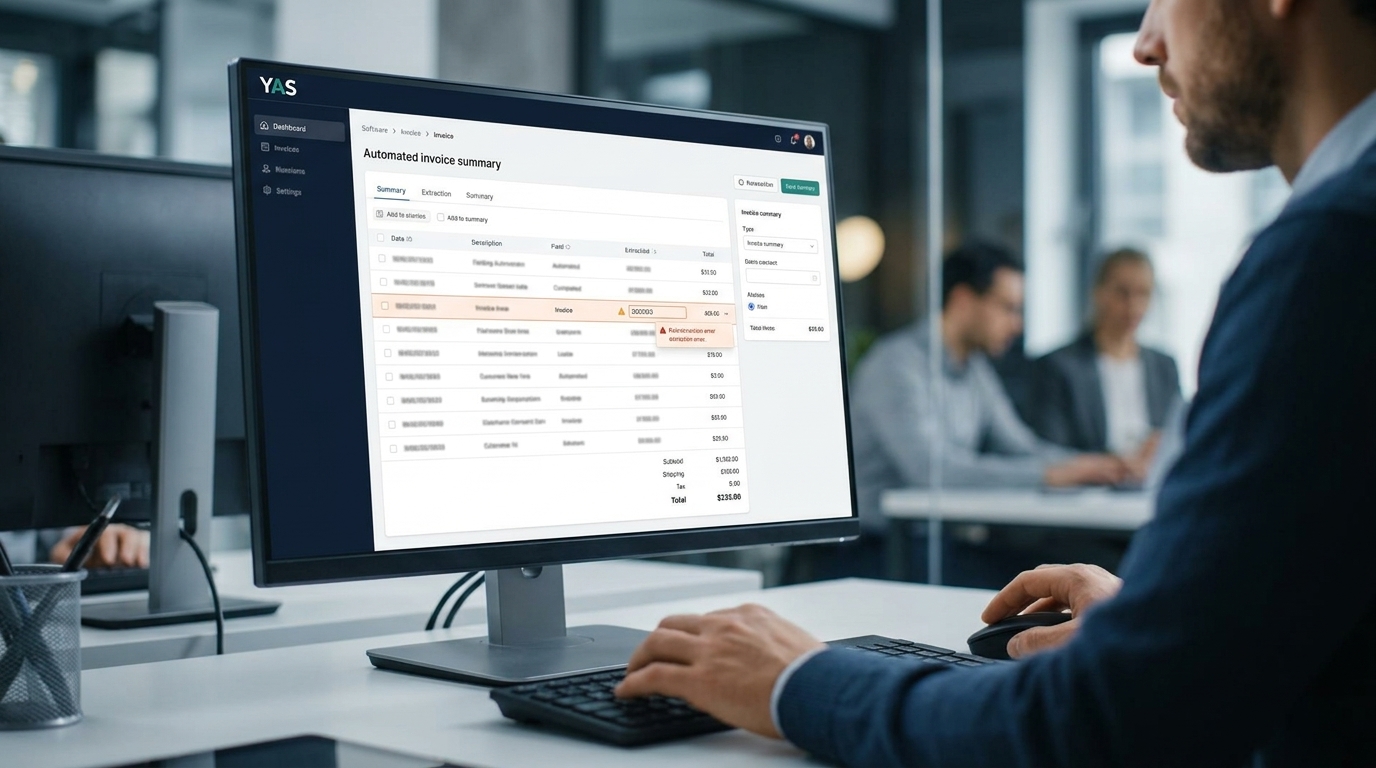
Modern document processing automation addresses this challenge by combining optical character recognition (OCR) with advanced language models to extract structured data from unstructured files. When a document is received—whether as an email attachment or an upload to a cloud directory—the automated pipeline ingests the file, parses the text, and identifies key data fields based on contextual cues. For example, in an accounts payable workflow, the system can locate and extract the vendor's name, invoice number, line-item details, tax amounts, and total balance due. This extracted data is then formatted into a structured schema, such as JSON or CSV, for direct integration into accounting software.
While these automated extraction systems can process documents much faster than human operators, they are not infallible. Variations in document layouts, low-resolution scans, and handwritten text can lead to extraction errors. To manage this risk, businesses should implement a "human-in-the-loop" validation workflow. In this model, the automated system processes the documents and assigns a confidence score to the extracted data. A model-generated confidence score alone should not authorize a transaction. Apply explicit checks for required fields, source references, totals, duplicates and policy exceptions, and route uncertain results to review. Human review also needs evaluation: a plausible but incorrect value can be missed. Extraction can prepare a record without being permitted to approve or pay it.
Automated Financial Reconciliation
Financial reconciliation is a critical control function that ensures the accuracy and completeness of an organization's financial records. The process involves comparing transaction data from payment gateways, merchant processors, and bank statements against internal ledgers to identify discrepancies. Because this task requires matching large volumes of data across multiple independent sources, it is often highly repetitive and time-consuming for finance teams, particularly during the end-of-month closing period. The manual matching of transaction IDs, dates, and amounts is not only tedious but also prone to oversight, which can lead to delayed financial reporting.
A bounded matching task may be a candidate when the source records and matching rules are consistent; financial reconciliation is not automatically the best first automation. Automated reconciliation systems can be programmed to fetch transaction statements directly from financial institutions and payment processors via secure APIs or automated file transfers. Once the data is ingested, the system applies predefined matching rules to pair transactions across different datasets. For example, a credit card payout from a merchant processor can be automatically matched to the corresponding bank deposit and the internal sales order based on a unique transaction reference number and matching net amounts.
However, the success of automated reconciliation depends heavily on the consistency and quality of the input data. Inconsistent transaction formats, currency conversion differences, and timing delays can prevent the system from finding exact matches. To address these challenges, the automation architecture must be designed to handle exceptions gracefully. Instead of attempting to force matches or make arbitrary adjustments, the system should apply only the approved matching rules and compile all unmatched items into an exception report for manual investigation by the finance team. This shifts the role of finance professionals from manual data matching to focused exception-based analysis, improving oversight and reducing the time required to close the books.
Limitations and suitability
Do not start with an unrestricted instruction to automate the whole company. If several teams disagree about what a correct result looks like, resolve that disagreement before enabling writes. A workflow can be improved in stages: documenting exceptions, standardizing one input or preparing a review queue may be useful even when the complete process is not ready to automate.
Keep consequential decisions with an accountable person. A system may prepare information for a payment, refund or sensitive customer case without being authorized to execute the action. Define that boundary in the implementation, not only in a prompt. Limit access to the necessary systems and data, and specify how long diagnostic records are retained.
Before launch, test a valid input, a missing field, conflicting source values, a duplicate, a timeout and a destination changed by a person. The expected outcome might be a held record rather than a successful write. Include the review workload and unresolved exceptions in the evaluation: faster generation is not a benefit if another team spends longer fixing the result.
How YAS Evaluates and Deploys Automation
I start with the repeated task, the tools your team already uses and the result you need. You do not need to choose an AI model or arrive with a technical specification. A useful first discussion can begin with a short description of the trigger, the manual handoff, approximate volume and the person who handles exceptions. Do not send credentials, customer records or unrestricted production access in the initial inquiry.
For a turnkey implementation, the agreed scope should cover the process map, integrations, validation and approval rules, acceptance tests, rollout, monitoring and handover. It should also identify exclusions, third-party costs and the support arrangement after launch. The first working path is tested against representative examples before extending it to more teams or use cases. Whether an existing connector or custom component is appropriate depends on the actual requirements, not on a preference for a particular tool.
Compare handling time, correction rate, exception backlog and ongoing operating cost with the manual baseline. Do not call a demonstration a measured saving. If the proposed automation adds more review or maintenance than it removes, narrow the scope, use a simpler solution or stop. The purpose is a useful operating change, not an AI feature for its own sake.
Explore public YAS automation examples for the distinction between working product workflows and proposed implementations. When you are ready to discuss your own process, see AI automation implementation. The next decision is what can be delivered and verified as a first scope, not a commitment to automate everything.
| Process Name | Complexity Category | Key Data Inputs | Operational Risk Level | Primary Integration Method |
|---|---|---|---|---|
| Customer Support Triage | Scope-dependent | Incoming email and ticket text | Depends on routing and response permissions | API-based text classification |
| Inventory Synchronization | Medium | Stock levels and sales transactions | Medium | API-based multi-channel sync |
| Invoice Data Extraction | Medium | Unstructured document files | Higher if posting or payment is authorized | OCR and language model parsing |
| Financial Reconciliation | High | Bank statements and ledger files | High | Custom matching logic and ERP APIs |
| Lead Classification | Low | Form submissions and contact data | Depends on downstream actions | API-based routing rules |
Steps to Audit and Launch Your First Automation
- Document the selected workflow step-by-step to identify all decision points.
- Identify the baseline metrics and common error patterns of the manual process.
- Define clear operational objectives and internal parameters for the automation.
- Build a minimal viable automation using APIs or structured orchestration tools.
- Run the automation in a supervised sandbox environment with human-in-the-loop validation.
- Roll out to production gradually and monitor edge cases closely.
Automation is not about replacing human decision-making; it is about freeing your team from repetitive tasks so they can focus on high-value creative problem solving.
FAQ
How do we identify if a process is ready for automation?
A process is ready for automation if it is highly repetitive, rule-based, and uses structured digital data. If your team can write a clear step-by-step guide on how to complete the task without relying on subjective judgment, it is a strong candidate.
What are the risks of automating too quickly?
Automating too quickly without proper testing can lead to system errors, data corruption, and poor customer experiences. If an underlying process is broken, automation will simply accelerate the rate at which errors are generated.
Should we use off-the-shelf tools or build custom solutions?
Check existing tools against the required data, permissions, throughput, exception handling and maintenance arrangements. Use custom code for a specific unsupported requirement. Neither approach is automatically more reliable or cheaper; compare the full operating cost and test recovery behavior.
How does AI automation differ from traditional RPA?
Rule-based automation follows specified conditions; AI can help interpret text or propose fields from documents. These approaches can be combined. Neither an AI step nor a UI-based automation is immune to interface changes, missing data or incorrect outputs. Choose the simplest approach that meets the acceptance criteria.
What is the typical return on investment timeline for automation?
The timeline for observing operational shifts is highly variable and depends on the complexity of the workflow, the volume of transactions, and the accuracy of the initial setup. Because every business has unique integration requirements, there is no guaranteed return on investment timeline.
How do we handle employee concerns about automation?
Position automation as a tool that handles tedious, administrative tasks, enabling employees to focus on more engaging, high-value projects. Involving team members in the design phase helps them see the direct benefits to their daily workloads.
Decision scenarios
Illustrative scenarios for applying the framework, not completed client projects or measured results.
Scenario 1: Support sorting: start with a defined set of categories and a review queue. Evaluate misrouted tickets before allowing automatic routing; do not include autonomous replies in the first scope by default.
Scenario 2: Content briefing: if the team disagrees about categories or approval criteria, clarify those first. A draft that requires extensive rewriting may move work rather than remove it.
Scenario 3: Catalog preparation: propose attribute changes with source references and a named reviewer. Keep pricing, stock changes and publication permissions outside the first scope unless separately agreed and tested.