Shopify Development for Stores With Real Operational Logic
Build your storefront.Connect the operations.
YAS designs and builds Shopify systems when catalog, storefront, order and operational logic no longer fit a generic theme or disconnected app stack.


Selected products
The work makes it concrete.
A selection from my public portfolio: different industries, connected by the same approach to practical software.

01 / AI Content Generation Platform
My UGC Studio
Turns a product photo into AI product images and UGC-style videos for stores, ads and social campaigns.
- Built for
- E-commerce businesses, dropshippers, Amazon FBA sellers, fashion brands, pet brands, and social commerce sellers.
02 / SaaS
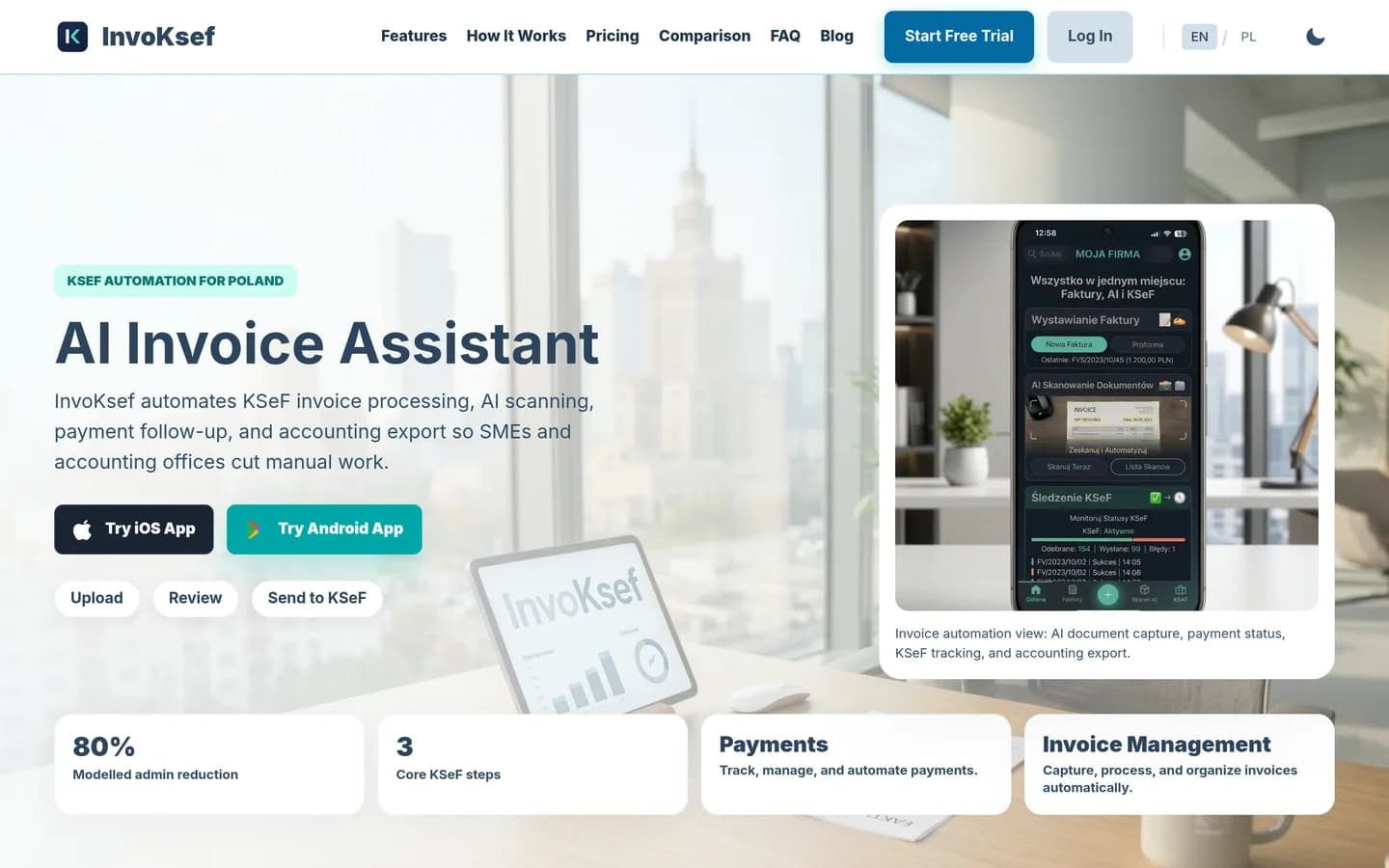
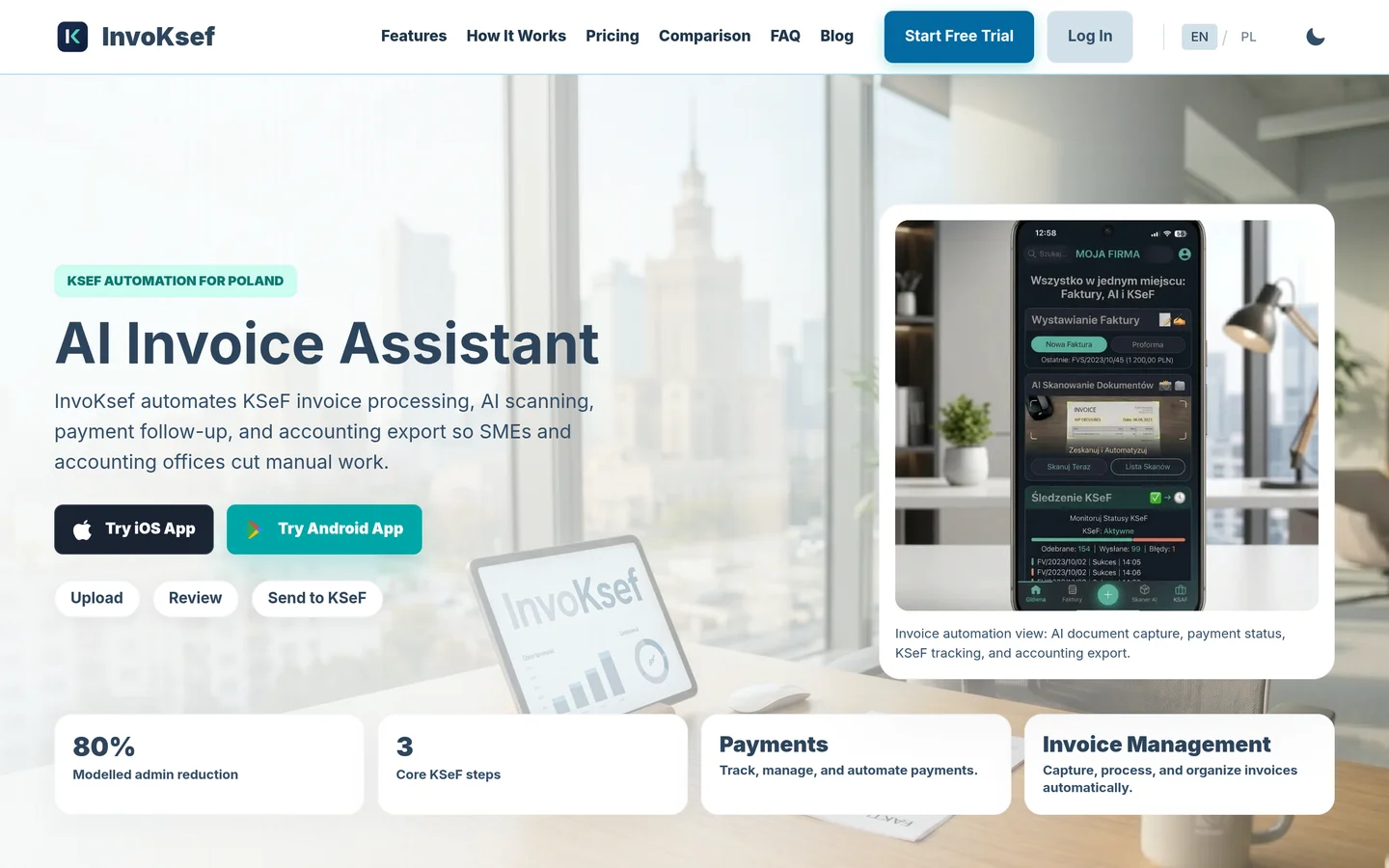
InvoKsef
Helps Polish businesses scan invoices, review extracted data, submit to KSeF and track status in one workflow.
- Built for
- Polish entrepreneurs, JDG owners, service businesses, agencies, accounting-supported teams, and e-commerce operators.
YAS builds Shopify systems for stores whose catalog, offer, storefront, order, fulfilment or support logic has outgrown a generic theme. The work starts by mapping the operating states and deciding what should remain native, what needs controlled custom logic, and what should be removed. The goal is a maintainable commerce system, not a larger app stack.
YAS Web Studio
turns this operating logic into working software. Explore what we build, the workflow library and the system architecture.

Where Shopify projects usually become fragile
Many growing e-commerce brands find themselves dependent on a complex web of third-party applications. When standard Shopify themes cannot handle custom catalog structures, complex pricing tiers, or unique subscription rules, the typical response is to install another app. Over time, these disconnected apps can conflict with one another, slow down the storefront, and create silent failures at checkout.
This architectural debt makes it difficult to launch new products or change operational workflows. Instead of a cohesive commerce engine, operators end up managing a brittle middleware layer where it is unclear which app controls which business rule. When API updates occur or app developers change their pricing, the store faces immediate operational risks.
- Uncontrolled app conflicts that lead to checkout failures and abandoned carts
- Slower page load speeds caused by redundant script injections from third-party apps
- Inconsistent customer data split across multiple isolated subscription and loyalty databases
- High recurring app fees for basic logic that could be handled natively on the platform
Native first architecture
The development approach prioritizes native platform capabilities before introducing custom code. Shopify supports complex logic through native features like Shopify Functions, Metaobjects, and API endpoints. Aligning business rules with Shopify's native architecture keeps the store stable and manageable.
I map business states and operational workflows before writing storefront code. This practice limits custom logic to areas where a unique business rule strictly requires it. When custom development is necessary, I build isolated solutions designed not to interfere with standard Shopify updates or the native theme editor.
- Map business state and exception paths before designing the user interface
- Utilize native Shopify Functions for custom discount, delivery, and payment rules
- Structure catalog data using native Metafields and Metaobjects for clean content management
- Keep regression and exception paths visible so customer support can resolve order issues

The working delivery sequence
I do not use long, opaque development cycles. The delivery sequence is structured to give operators visibility and control at every stage. The work begins by auditing the existing setup, identifying operational bottlenecks, and defining the target architecture.
Once the blueprint is agreed upon, I execute the work in structured phases. This includes cleaning up redundant apps, restructuring product data, building necessary integrations, and optimizing storefront performance. Every phase undergoes testing to maintain operational continuity.
- Phase 1: Operational audit and application consolidation mapping
- Phase 2: Data architecture design for catalogs, subscriptions, and customer profiles
- Phase 3: Custom development of isolated logic and storefront integrations
- Phase 4: End-to-end testing of order routing, fulfillment, and checkout states
What you can verify in the work
When working with YAS, there is no need to guess if a system is built correctly. I provide clear benchmarks for every component of the project. Operators can directly inspect the performance, stability, and maintainability of the new Shopify setup.
Whether the work involves storefront performance or complex order integrations, every line of code is documented and accessible. You can verify these capabilities and past engineering outcomes by reviewing the client work and case studies on this site.
- Verify storefront performance using real-world Core Web Vitals and clean code audits
- Test catalog and offer logic against complex edge cases like mixed carts and custom bundles
- Track subscription and order workflows directly within the native Shopify admin without third-party redirects
- Review integration error logs and latency metrics to check connections with your ERP or warehouse

Limitations and suitability
Custom Shopify development is not the right choice for every merchant. If a store operates on standard retail logic, a premium off-the-shelf theme and a few vetted apps are more cost-effective. Custom engineering is designed specifically for businesses with complex operational requirements that cannot be met by standard configurations.
I do not promise zero-maintenance custom code or guaranteed conversion uplifts. Because Shopify continuously updates its platform and APIs, any custom integration or application requires ongoing monitoring and occasional updates. The focus of this work is entirely on system reliability, operational efficiency, and clean engineering.
- Not suitable for early-stage stores without established operational workflows
- Requires internal operational readiness to manage structured data and integrations
- Custom code requires periodic maintenance to align with Shopify API version updates
- No guaranteed conversion rate increases; the work focuses on technical performance and operational stability
A practical starting point
Transitioning from a cluttered Shopify setup to a clean, native-first architecture starts with a clear understanding of current bottlenecks. Instead of committing to a complete rebuild on day one, I recommend starting with a targeted audit of the most critical operational pain points.
This audit identifies which parts of the system can migrate back to native Shopify features and which parts require isolated custom development. This practical approach minimizes risk and ensures that development hours directly address operational bottlenecks.
- Identify immediate app consolidation opportunities to reduce monthly recurring costs
- Isolate the single most critical catalog or order bottleneck for a targeted proof-of-concept
- Establish a clear migration roadmap that avoids interrupting active daily sales
| Customization Type | Best Used For | Maintenance Profile | Platform Integration |
|---|---|---|---|
| Native Shopify Config | Standard catalog, pricing, and tax rules | Zero maintenance | 100% Native |
| Theme App Extensions | Storefront UI additions and interactive widgets | Low maintenance | High (isolated to theme) |
| Shopify Functions | Custom discount, delivery, and payment logic | Low maintenance | Native execution at checkout |
| Custom App / API Logic | Complex order routing and external ERP syncing | Requires API version updates | Controlled Integration |
The Path to a Clean Shopify Architecture
- Audit the current Shopify application stack to identify redundant subscriptions and performance bottlenecks.
- Map every business state, order routing rule, and customer exception path before writing any code.
- Rebuild or migrate custom logic into native Shopify capabilities or isolated Shopify Functions.
- Measure storefront performance and test the actual integration failure paths before release.
Clean engineering on Shopify is not about writing the most complex code; it is about writing as little code as possible to let the native platform do the heavy lifting.
FAQ
Will custom development prevent the use of the Shopify theme editor?
It depends on the theme architecture and the custom surface. Editor compatibility must be defined and verified during the implementation audit.
How is existing subscription data handled during a system rebuild?
Subscription migration depends on the existing provider, stored state, payment permissions, and Shopify's supported migration path. I do not promise a no-interruption migration before those constraints are verified.
How can an operator verify that custom integrations will not break during high-traffic events?
The verification plan depends on the integration. It may include staging scenarios, regression checks, and load testing, but no custom integration is assumed safe until its actual failure paths are tested.
What are you trying to make work?
Bring the workflow, the bottleneck or the product idea. We can start with what exists and define the next useful version.