AI Workflow Automation Services for Reliable Business Operations
AI automation.Built around your business.
YAS designs and builds controlled AI workflow automation for operations, content, support, ecommerce, research, and internal business processes.
AI AUTOMATION / END TO END
One process. A complete implementation.
Start with the work your team repeats: processing requests, extracting document data or coordinating tasks between tools. We agree on a bounded scope before building.
- 01
Define the task
Map inputs, current tools, exceptions and the outcome the first workflow should support.
- 02
Connect and build
Implement the integrations, AI logic and interface needed for that workflow.
- 03
Test real situations
Check normal inputs, failures and human review points before release.
- 04
Launch and hand over
Agree on deployment, documentation and ownership. Define support and future changes explicitly.
Scope, price and schedule are agreed after reviewing your process. Model usage, hosting and ongoing support are discussed separately — no hidden promise of unlimited maintenance.
A short description is enough to start. No finished technical brief required.
YAS / AUTOMATION IN PRACTICE
Three workflows. Real public products.
Email, documents and content: see how an input becomes a usable result, where a person stays involved and how to scope a similar system for your business.
These are breakdowns of YAS-owned products based on their public workflows, not client case studies or measured ROI claims.
01 / Own YAS product
LaycanMatch
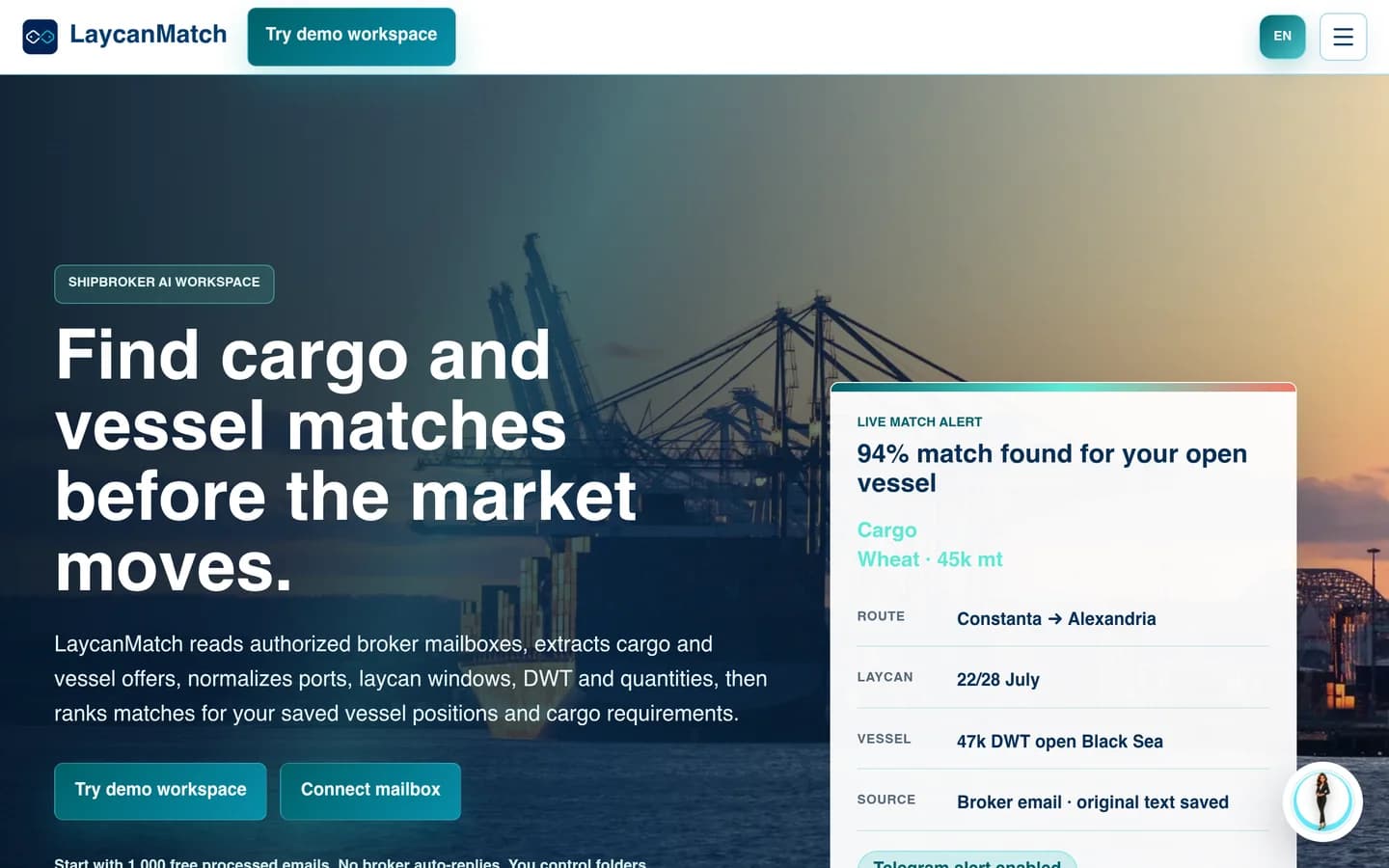
From inbox traffic to a reviewable shortlist
When the useful information is scattered across emails, the first task is to turn messages into records people can work with.
Input
Selected broker emails and circulars.
Automation
Extract cargo and vessel fields; rank possible matches.
Human review
Check uncertain fields against the source email.
Output
Searchable offers and a shortlist for the broker.
The boundary: A match is a candidate, not a commercial decision. Negotiation and fixture approval stay outside this workflow.
02 / Own YAS product
InvoKsef
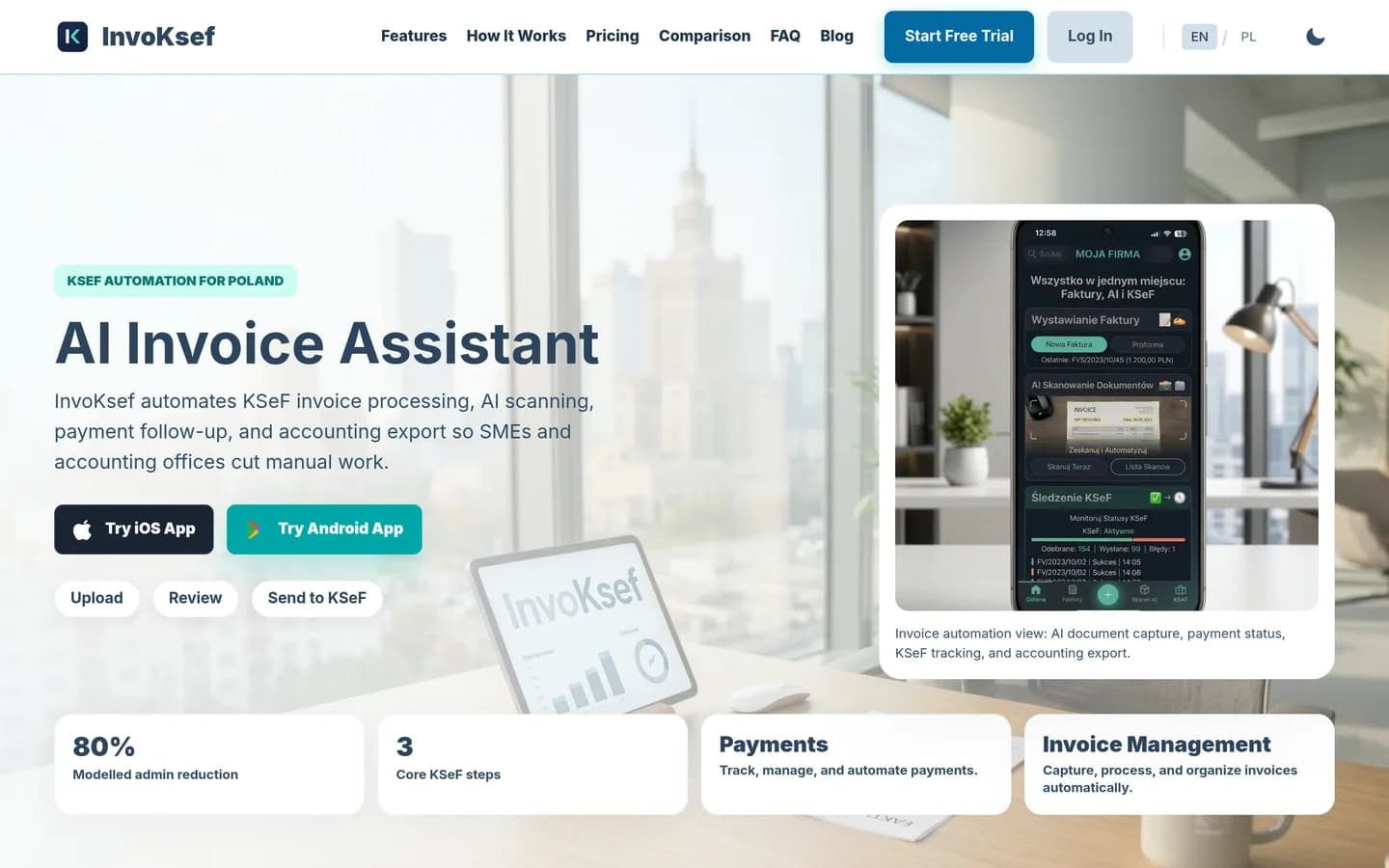
From a document to reviewed invoice data
Document automation needs more than text extraction: someone must catch missing details before the next system relies on them.
Input
Invoice PDFs, photos or created invoices.
Automation
Extract invoice fields for review.
Human review
Review extracted values before sending.
Output
Invoice records, KSeF status and accounting export.
The boundary: Extraction is not an accounting decision or a compliance guarantee. Company-specific rules and permissions need separate validation.
03 / Own YAS product
My UGC Studio

From a product photo to a reviewed creative
A repeatable content process needs a clear brief, reusable inputs and a quality check — not just a generate button.
Input
A product photo and a chosen creative direction.
Automation
Generate product imagery or UGC-style video variants.
Human review
Check product appearance, labels and brand fit.
Output
Creative assets for a listing or campaign.
The boundary: An AI-generated asset is not a real customer testimonial. Output still needs review; it does not prove a sales uplift.
YAS uses AI inside a controlled workflow, not as an unbounded replacement for the process owner. A useful automation has known inputs, allowed outputs, confidence boundaries, human review, exception handling and a fallback. The work is judged by the task it improves, not by how impressive a prompt demonstration looks.
YAS Web Studio
turns this operating logic into working software. Explore what we build, the workflow library and the system architecture.
TWO DELIVERY PATHS
Choose the right automation scope

What should be automated first
I start with a recurring task that has clear inputs, a useful output and an accountable owner. The scope can include operations, support, document handling, research or content. AI handles the parts that need interpretation; explicit rules control routing, validation and permitted actions.
For example, a team might need to turn incoming requests into structured records, route documents for review or prepare a response from approved information. These are possible starting points, not promises about your systems. I first check the data, access, exceptions and who will use the result.
- Classification of a bounded incoming request
- Information extraction from an approved document type
- Research and data gathering from verified public sources
- Draft preparation for product descriptions and internal reports
The control layer around AI
A raw call to an LLM lacks constraints. To manage this, I build a control layer around the model. This architecture requires five specific controls: an explicit input contract, a quality review step, an exception queue, a fallback mechanism, and traceable output.
When the input violates the contract or the model output falls below confidence boundaries, the system routes the task to the exception queue for operator review rather than letting the model guess.
- Explicit input contract to validate incoming data format
- Quality review step to evaluate output confidence
- Exception queue to route low-confidence outputs to human operators
- Traceable output logs for auditability and continuous improvement

From input to reviewed output
The workflow executes in a linear sequence. First, the system validates the incoming data against the explicit input contract. Second, the model processes the validated data. Third, the system applies the review rule defined for that task.
Fourth, accepted items continue only through actions agreed for that workflow. Ambiguous or invalid items go to an operator with the source information and the reason for review. High-impact actions need approval; routine steps can follow explicit rules. An accountable person remains responsible for the process.
- Step 1: Input validation against the contract
- Step 2: Model processing
- Step 3: Quality review against the task rule
- Step 4: Approved next action or an operator review with context
Where practical proof comes from
I build working software within the YAS product portfolio. The YAS public website scanner and the Blog Core publishing workflow are examples of my development work, though not every product uses the exact workflow discussed here.
They show that I build working product and publishing surfaces. The control pattern on this page is a design contract, not a claim about every YAS product.

Limitations and suitability
Controlled automation suits repeatable work when its inputs, acceptable outputs and failure paths can be defined. It is not limited to publishing, and it does not mean giving a model unrestricted control of the business. Unclear ownership, inaccessible data or an unstable process must be addressed before implementation.
Final legal, financial and other high-impact commitments stay with an authorized person. Input quality, model behavior, integration reliability and review rules all affect the result. I do not promise error-free output; validation, fallbacks and monitoring are part of the scope.
- Cannot make final legal or financial commitments independently
- Requires a defined fallback when the review rule is not met
- Validate real inputs, model output and integration failure paths
A practical starting point
Start by describing the manual task, the tools involved and what should change. A finished specification is not required. I review the fit, clarify missing information and agree the first implementation scope with you before work begins.
The agreed scope covers the workflow, integrations, acceptance checks, launch and handover. Model and hosting costs, access responsibilities and ongoing support are discussed separately. Once the first workflow is stable, its actual use guides what to automate next.
| Operational Element | Uncontrolled AI Approach | Controlled YAS Workflow |
|---|---|---|
| Input Handling | Unstructured prompts with variable context | Strict input contracts and pre-validation |
| Error Management | Silent failures or hallucinated data | Exception queues and automated fallbacks |
| Human Oversight | None or manual spot-checking | Approval gates matched to risk and an accountable process owner |
| System Traceability | Black-box API calls with no logs | Traceable output required by the workflow contract |
Steps to Implement a Controlled Workflow
- Audit manual processes to isolate a single repetitive task with clear inputs and outputs.
- Establish the input contract and define the review rule for acceptance.
- Build the exception queue and human review interface to handle low-confidence outputs safely.
Automation is not about replacing human judgment. It is about building a machine that handles the repetitive preparation so the operator can focus on the final decision.
FAQ
Why is human review required for these AI workflows?
AI models are probabilistic and can generate incorrect information. A human reviewer maintains accountability for the business output and verifies accuracy.
What happens when the output does not meet the review rule?
The system routes the task to an exception queue where a human operator reviews and completes the work, preventing unverified data from entering production.
Can this workflow connect to an existing business system?
Often, yes. I first check the APIs, permissions and data available in your existing tools. The scope may involve email, a CRM, documents, internal software or Shopify. I confirm each connection and its failure paths before promising an integration.
What are you trying to make work?
Bring the workflow, the bottleneck or the product idea. We can start with what exists and define the next useful version.