BUSINESS PROCESS AUTOMATION SERVICES
Connect people and tools.Make the process flow.
YAS maps, redesigns, and implements reliable business process automation across operations, sales, support, content, and internal handoffs.
Where automation creates useful leverage
Manual handoffs
Replace copy-paste work, repeated status checks, and scattered approvals with one traceable workflow.
Disconnected systems
Connect CRM, email, spreadsheets, ecommerce, databases, and internal tools without hiding ownership.
Unreliable AI output
Add validation, confidence rules, review queues, and fallbacks around probabilistic models.
No operational visibility
Give operators a clear view of every state, exception, owner, and next action.
What we can automate
- Lead capture, qualification, routing, and follow-up
- Customer support triage and operator assistance
- Document intake, extraction, classification, and review
- Content research, drafting, approval, and publishing
- Ecommerce catalogue, merchandising, and reporting workflows
- Internal reporting, alerts, approvals, and data synchronization
What turnkey implementation includes
Start with one process. We agree the scope and acceptance criteria before expanding the system—not just a demo or a set of prompts.
A defined first release
The workflow, supported users, existing tools, required access and exclusions. We compare configuration, conventional automation and AI where each fits.
Connected and tested software
Agreed integrations, validation, review steps and recovery paths. Normal cases, missing data and failures are tested against the agreed criteria before launch.
Launch and team handover
Deployment, operating instructions and agreed access to the implementation. We define who monitors it, handles exceptions and owns changes after launch.
A controlled path from bottleneck to working system
- 01
Map the real process
We document inputs, owners, decisions, exceptions, and the measurable delay or cost before choosing tools.
- 02
Design the control layer
The workflow receives explicit rules for validation, human review, retries, fallback, and audit history.
- 03
Build one valuable path
We implement the smallest end-to-end workflow that can prove operational value in real use.
- 04
Measure and extend
After the first path is stable, we use throughput, exception rate, and operator feedback to decide what comes next.
YAS / AUTOMATION IN PRACTICE
Three workflows. Real public products.
Email, documents and content: see how an input becomes a usable result, where a person stays involved and how to scope a similar system for your business.
These are breakdowns of YAS-owned products based on their public workflows, not client case studies or measured ROI claims.
01 / Own YAS product
LaycanMatch
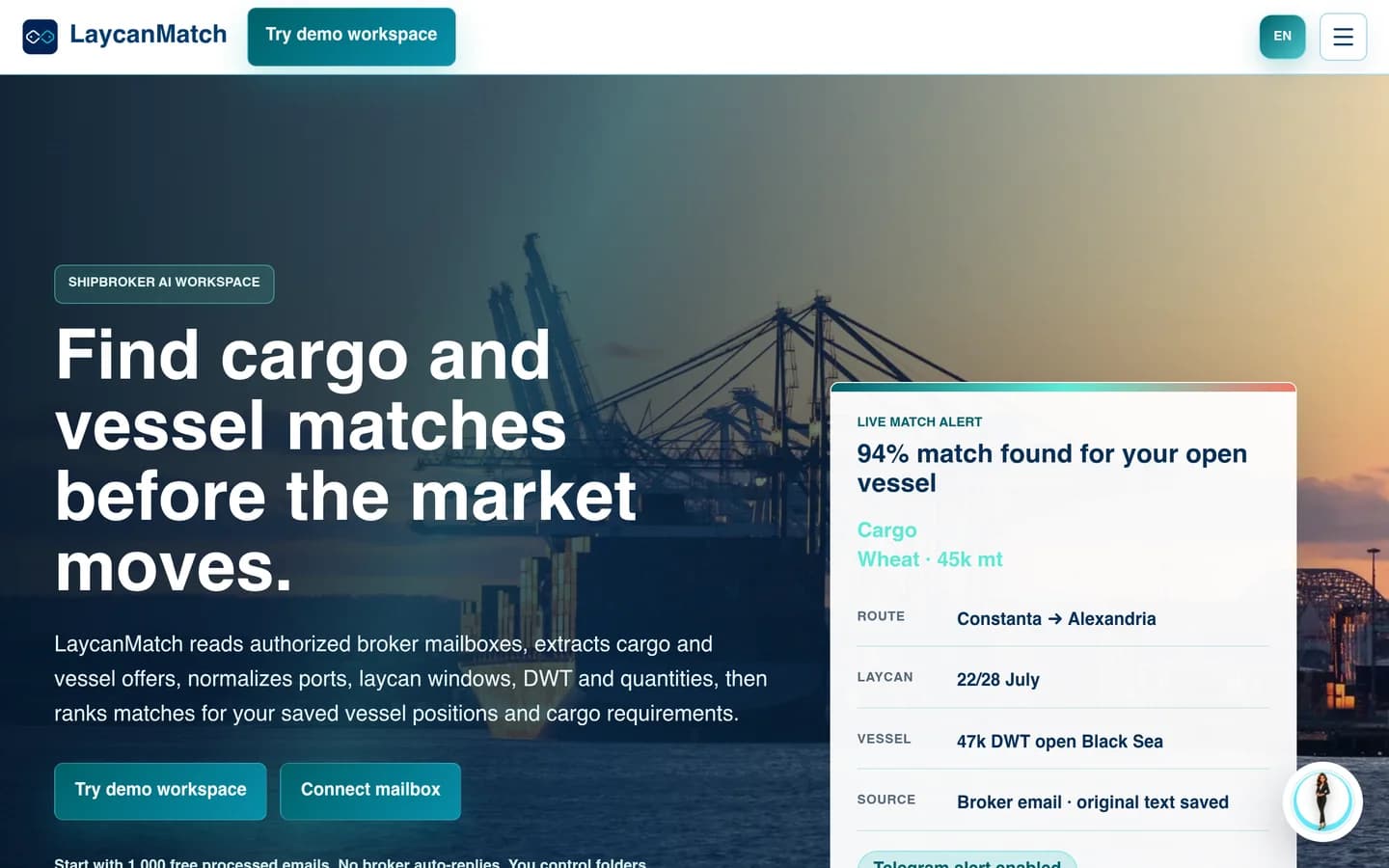
From inbox traffic to a reviewable shortlist
When the useful information is scattered across emails, the first task is to turn messages into records people can work with.
Input
Selected broker emails and circulars.
Automation
Extract cargo and vessel fields; rank possible matches.
Human review
Check uncertain fields against the source email.
Output
Searchable offers and a shortlist for the broker.
The boundary: A match is a candidate, not a commercial decision. Negotiation and fixture approval stay outside this workflow.
02 / Own YAS product
InvoKsef
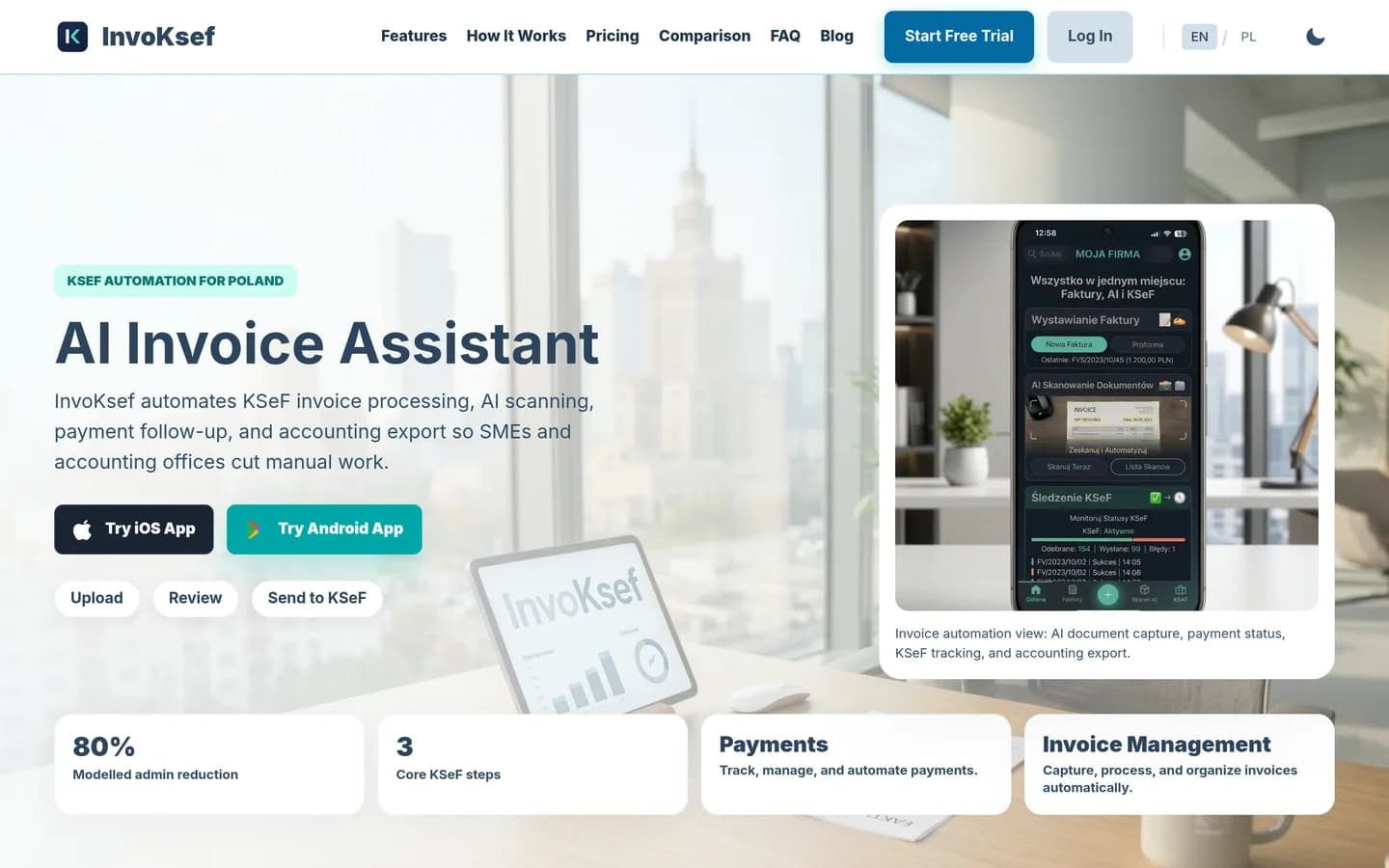
From a document to reviewed invoice data
Document automation needs more than text extraction: someone must catch missing details before the next system relies on them.
Input
Invoice PDFs, photos or created invoices.
Automation
Extract invoice fields for review.
Human review
Review extracted values before sending.
Output
Invoice records, KSeF status and accounting export.
The boundary: Extraction is not an accounting decision or a compliance guarantee. Company-specific rules and permissions need separate validation.
03 / Own YAS product
My UGC Studio
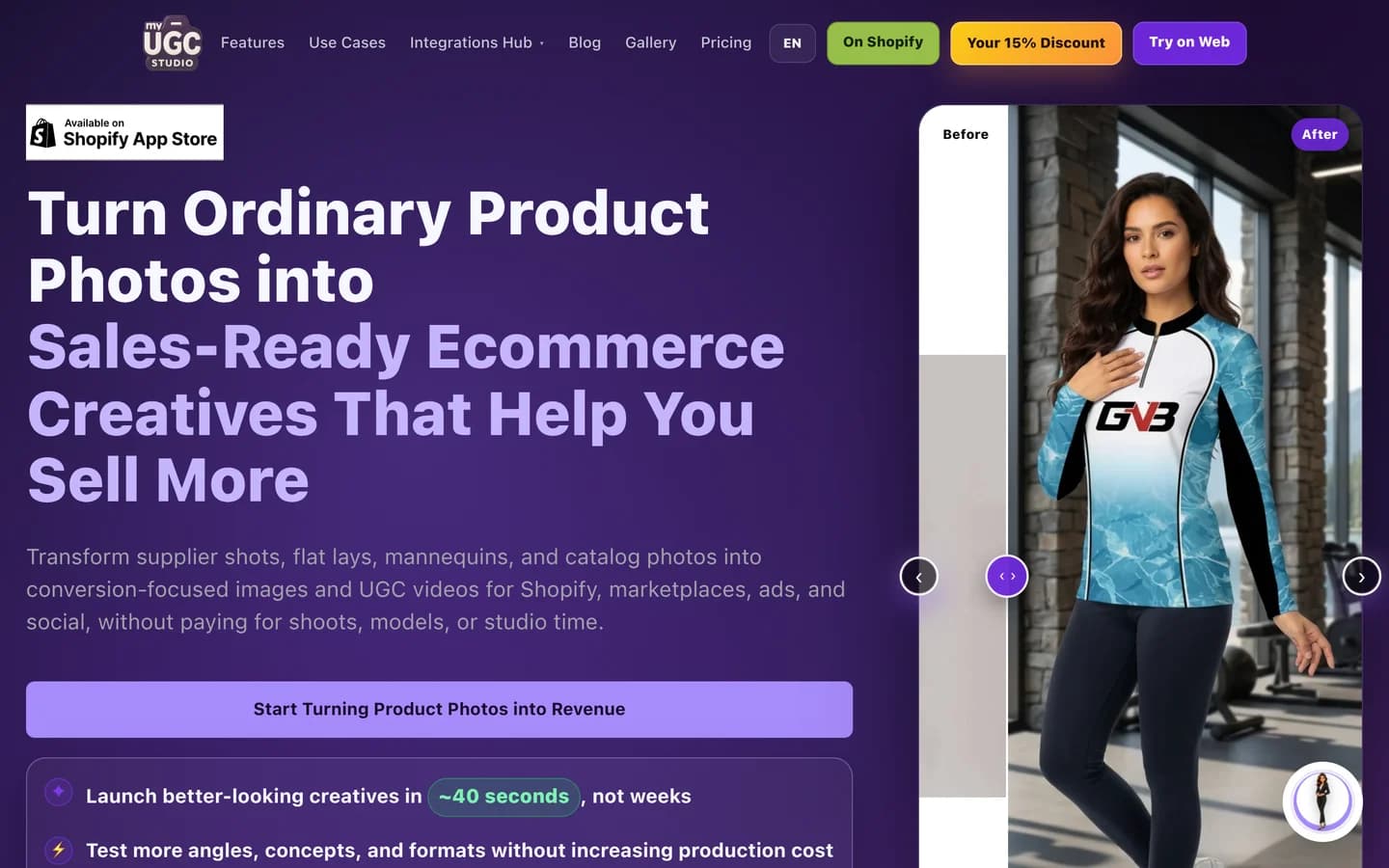
From a product photo to a reviewed creative
A repeatable content process needs a clear brief, reusable inputs and a quality check — not just a generate button.
Input
A product photo and a chosen creative direction.
Automation
Generate product imagery or UGC-style video variants.
Human review
Check product appearance, labels and brand fit.
Output
Creative assets for a listing or campaign.
The boundary: An AI-generated asset is not a real customer testimonial. Output still needs review; it does not prove a sales uplift.
Tools follow the workflow
Depending on the job, implementation can combine n8n automation, custom APIs, LLM providers, Shopify, CRM platforms, databases, queues, and purpose-built operator interfaces. The stack is selected after the business process is understood—not before.
FAQ
What is business process automation?
It is the redesign and implementation of a repeatable business workflow so information, decisions, and handoffs move through explicit rules with less manual coordination.
Can you automate an existing workflow without replacing our tools?
Often, yes. We first evaluate the systems already in use and connect them when that is more reliable than replacing them.
Do you build with n8n?
Yes, when n8n fits the reliability and maintainability requirements. Custom services are used where a visual workflow alone is not enough.
What should I send to start?
Describe one manual process, the tools involved and the result you want. A few sentences are enough for an initial discussion. No credentials, customer records or detailed specification are required. YAS reviews the request and clarifies the scope before proposing an implementation.
How are implementation and running costs agreed?
The proposal depends on scope, integrations, access and acceptance requirements. It separates implementation from recurring model, hosting and third-party costs. We agree these responsibilities before work starts; a short inquiry alone cannot establish a reliable fixed price.
What happens after launch?
The handover defines operating responsibilities, documentation and agreed implementation access. Ongoing monitoring, support and future changes need an explicit agreement; unlimited support is not implied by a turnkey build.