Workflow Design With Explicit State, Review and Exceptions
Turn one manual workflow.Into controlled AI automation.
YAS maps the real process, connects your tools, adds AI where it is useful, and delivers a working automation with human review and explicit exception handling.
AI AUTOMATION / END TO END
One process. A complete implementation.
Start with the work your team repeats: processing requests, extracting document data or coordinating tasks between tools. We agree on a bounded scope before building.
- 01
Define the task
Map inputs, current tools, exceptions and the outcome the first workflow should support.
- 02
Connect and build
Implement the integrations, AI logic and interface needed for that workflow.
- 03
Test real situations
Check normal inputs, failures and human review points before release.
- 04
Launch and hand over
Agree on deployment, documentation and ownership. Define support and future changes explicitly.
Scope, price and schedule are agreed after reviewing your process. Model usage, hosting and ongoing support are discussed separately — no hidden promise of unlimited maintenance.
A short description is enough to start. No finished technical brief required.
YAS / AUTOMATION IN PRACTICE
Three workflows. Real public products.
Email, documents and content: see how an input becomes a usable result, where a person stays involved and how to scope a similar system for your business.
These are breakdowns of YAS-owned products based on their public workflows, not client case studies or measured ROI claims.
01 / Own YAS product
LaycanMatch
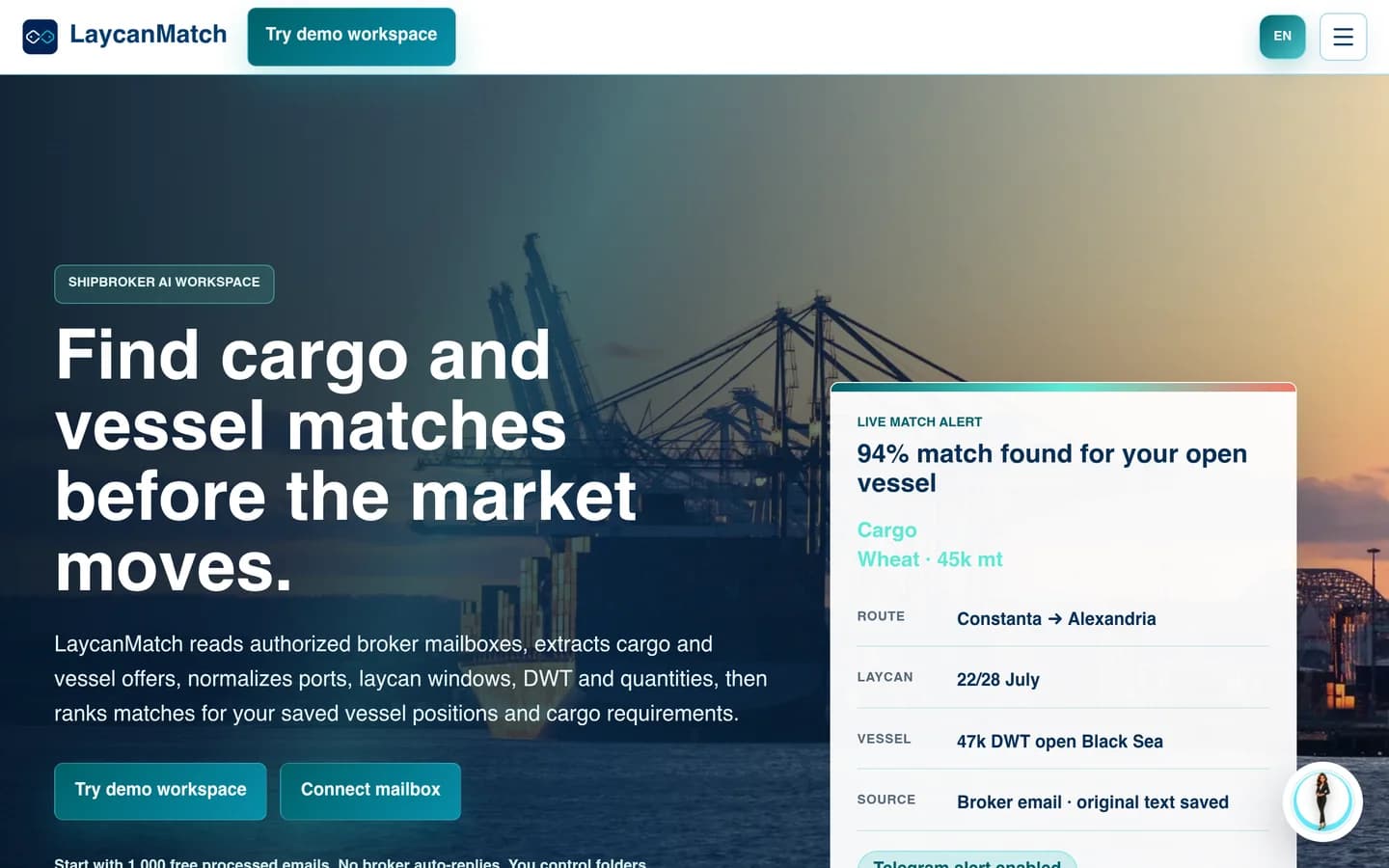
From inbox traffic to a reviewable shortlist
When the useful information is scattered across emails, the first task is to turn messages into records people can work with.
Input
Selected broker emails and circulars.
Automation
Extract cargo and vessel fields; rank possible matches.
Human review
Check uncertain fields against the source email.
Output
Searchable offers and a shortlist for the broker.
The boundary: A match is a candidate, not a commercial decision. Negotiation and fixture approval stay outside this workflow.
02 / Own YAS product
InvoKsef
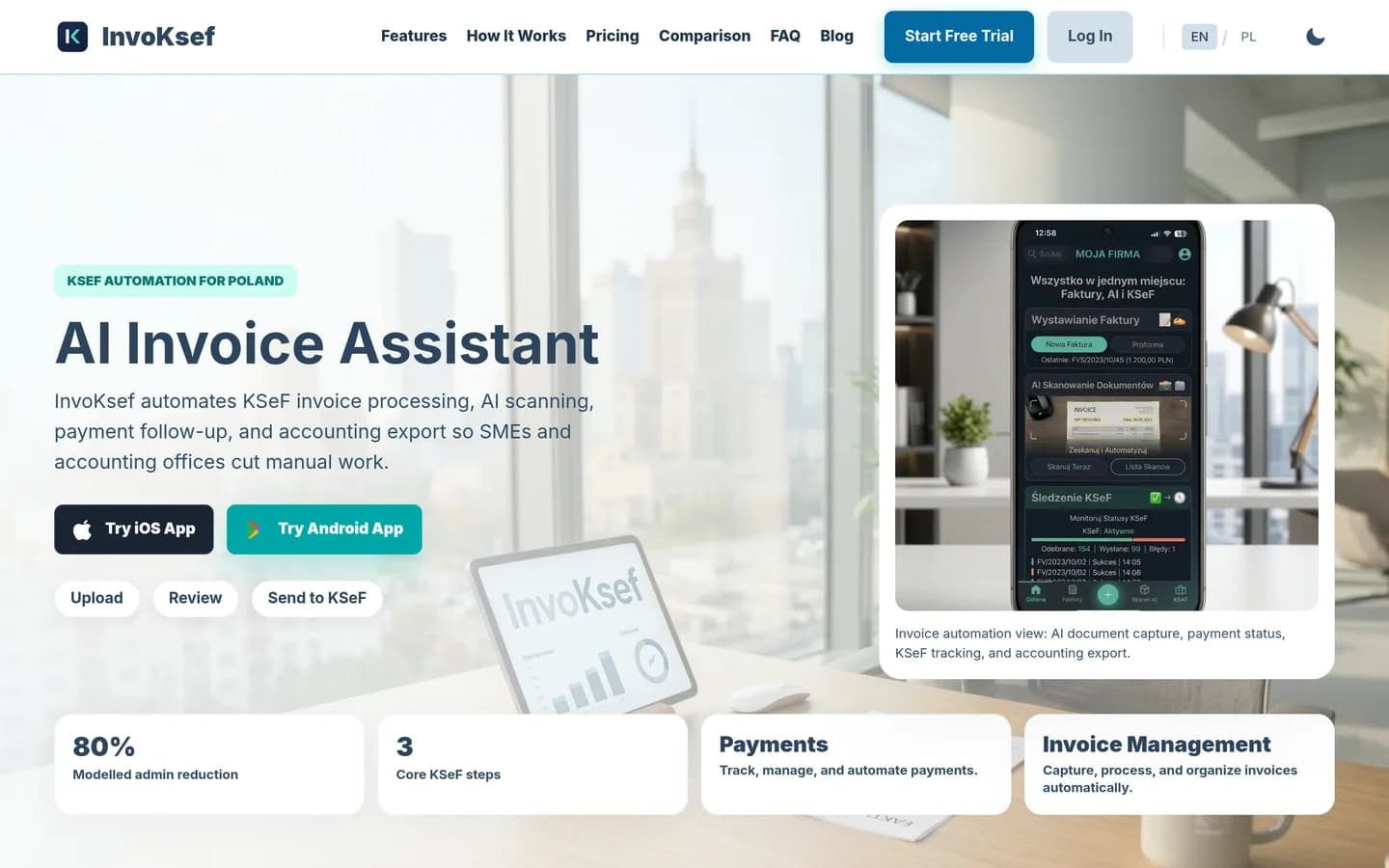
From a document to reviewed invoice data
Document automation needs more than text extraction: someone must catch missing details before the next system relies on them.
Input
Invoice PDFs, photos or created invoices.
Automation
Extract invoice fields for review.
Human review
Review extracted values before sending.
Output
Invoice records, KSeF status and accounting export.
The boundary: Extraction is not an accounting decision or a compliance guarantee. Company-specific rules and permissions need separate validation.
03 / Own YAS product
My UGC Studio

From a product photo to a reviewed creative
A repeatable content process needs a clear brief, reusable inputs and a quality check — not just a generate button.
Input
A product photo and a chosen creative direction.
Automation
Generate product imagery or UGC-style video variants.
Human review
Check product appearance, labels and brand fit.
Output
Creative assets for a listing or campaign.
The boundary: An AI-generated asset is not a real customer testimonial. Output still needs review; it does not prove a sales uplift.
A YAS workflow is not a diagram of the happy path. It defines the input, current state, decision owner, handoff, exception, review and output. This makes the process testable before automation and keeps operators able to understand, correct and continue the work when the normal path fails.
YAS Web Studio
turns this operating logic into working software. Explore what we build, the workflow library and the system architecture.

Start with the state transition
Reliable systems rely on explicit states rather than vague progress indicators. When I design a workflow, I map each step to a specific state in the database. This removes the ambiguity that leads to lost orders, missed approvals, or duplicated work.
Operators query the system to identify where an item stands, whether it is pending review, processing, or failed. This structured approach provides clear visibility of tasks across the operational pipeline.
- Define clear state labels for every stage of the lifecycle
- Avoid transition states that do not have a clear resolution path
- Store state data centrally where all integrated systems can read it
Assign the decision owner
A step in a workflow only moves forward when a decision is made. I identify who or what owns that decision at every single transition. If a task is automated, the system is the owner under explicit rules. If the task requires human judgment, a specific role is assigned.
Without a clear decision owner, workflows stall. I design interfaces and notifications that put the right data in front of the owner at the exact moment they need to act, reducing lag and cognitive load.
- Never leave a state transition without an assigned owner
- Provide the decision maker with all necessary context in one view
- Establish clear rules for when a decision should escalate to a manager

Design the exception path
Most workflows break because they only account for the happy path. I treat exceptions as first-class citizens. The design defines explicit paths for when an API call fails, when data is malformed, or when a human rejects a proposal.
When an exception occurs, the system transitions to an explicit error or review state. This allows operators to intervene, correct the data, and resume the process without restarting from scratch.
Add AI only inside clear boundaries
AI can assist operations, but it should not own every decision. I place AI steps inside clear boundaries with deterministic checks. If the AI confidence score is low, or if the decision carries high financial risk, the workflow routes the task to a human reviewer.
This approach allows you to use the speed of language models while keeping human operators in control of the final decision.

Test the handoff
The handoff between different systems, such as moving data from Shopify to an ERP, is a common point of failure. I test these handoffs systematically by defining data contracts and validating that the output of one system matches the required input of the next.
Verifying these handoffs before deployment helps identify integration issues when individual systems upgrade or change.
Limitations and suitability
Workflow design is not a magic solution for operational chaos. Diagramming a process does not change operations unless your team actually implements the state changes and software integrations. If your business processes change daily and cannot be standardized, rigid workflow automation may introduce more friction than utility.
This structured methodology is suitable for repeatable, high-volume operations where consistency, auditability, and speed are required. It requires an investment in custom tools or middleware to enforce the states and handoffs I design.
| Workflow Element | Happy Path Diagramming | Explicit State Design |
|---|---|---|
| Exceptions | Ignored or treated as system errors | Designed as alternative states with clear owners |
| AI Integration | Unbounded and prone to silent failures | Bounded by deterministic checks and human review |
| Handoffs | Assumed to work automatically | Tested with data contracts between systems |
| Auditability | Difficult to track historical changes | Every state transition is logged with its decision owner |
Steps to Design a Resilient Workflow
- Define the input and the exact starting state of the work item.
- Map every decision point and assign a specific owner for each transition.
- Document the exception paths and fallback procedures for system failures.
- Establish a review loop to measure the actual task outcome against expectations.
A process that cannot handle errors gracefully is not an automated workflow; it is just a script waiting to break your operations.
FAQ
What is the difference between a flowchart and an explicit state workflow?
A flowchart visualizes the steps of a process. An explicit state workflow defines the exact database states, decision owners, data contracts, and exception paths, making the process testable before automation.
How do you handle system failures during an automated handoff?
I design fallback states. If a system or API fails, the item moves to a review or retry state, notifying the owner with the error log so they can resolve it.
Can workflows be designed for processes that still require human judgment?
Yes. Human judgment is integrated as a decision step. The workflow routes the task to a human operator via an internal tool, pauses until they make a decision, and then resumes the automated path.
What are you trying to make work?
Bring the workflow, the bottleneck or the product idea. We can start with what exists and define the next useful version.