
Choosing between n8n automation and custom workflow software depends on your operational complexity. n8n offers rapid deployment and pre-built integrations for standard data pipelines, while custom software provides complete control over complex state management, custom user interfaces, and proprietary logic. For most scaling platforms, starting with n8n minimizes upfront development costs before transitioning high-volume, core workflows to custom code.
Understanding the Core Difference
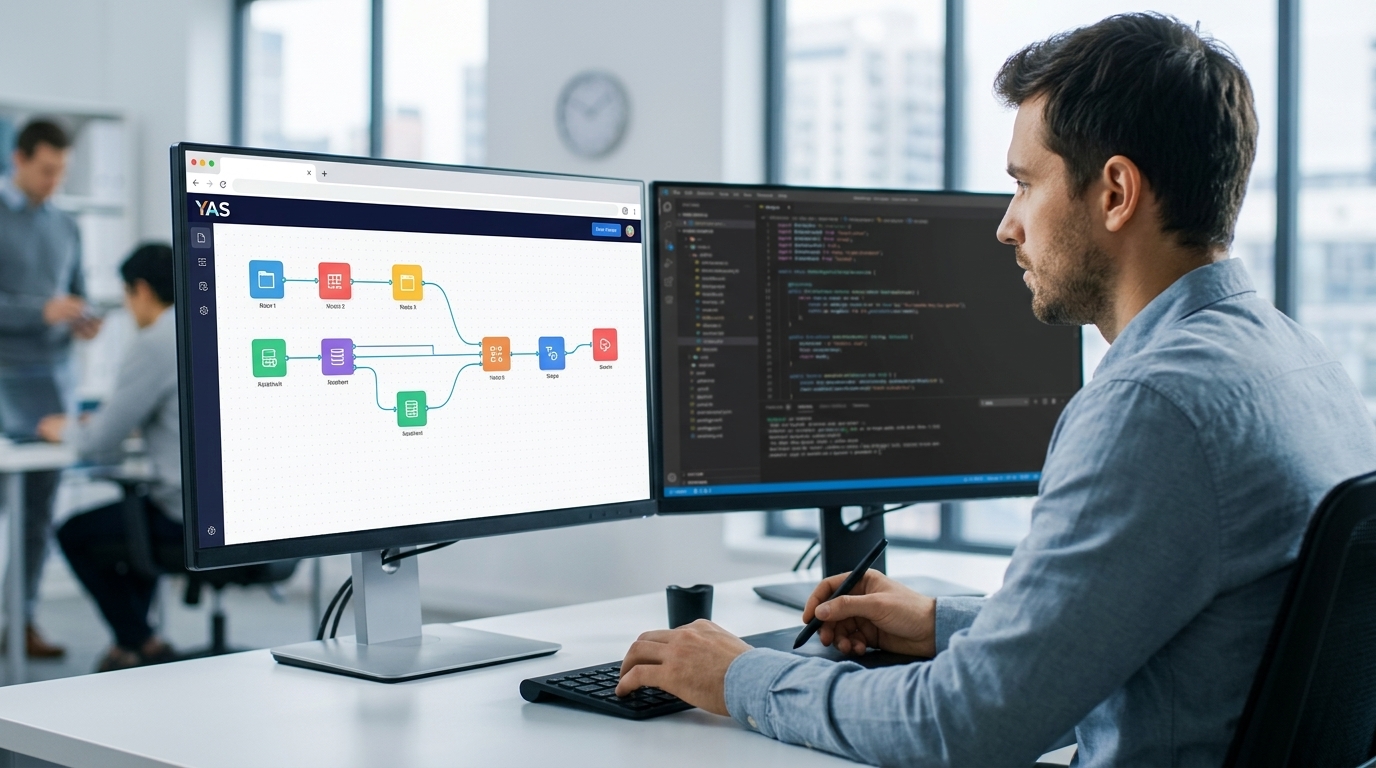
When designing operational pipelines, modern engineering teams face a fundamental choice between leveraging low-code workflow engines such as n8n or building bespoke custom software. n8n operates as a node-based automation platform, allowing developers and technical operators to connect various applications using visual nodes, custom JavaScript, or Python execution blocks. It is designed to accelerate the integration of standard web services, enabling teams to build functional data pipelines without the necessity of writing extensive boilerplate code for authentication, request formatting, and response parsing. This visual approach allows for rapid prototyping and simplifies the orchestration of common API tasks, making it an attractive option for teams that need to deploy integrations quickly.
In contrast, custom workflow software is engineered from the ground up using traditional programming languages and frameworks tailored to the specific business domain. This approach offers absolute control over the application architecture, database schemas, execution environments, and user interfaces. While custom software requires a more significant initial investment in design, coding, and testing, it can avoid some constraints of visual builders and third-party execution engines while adding its own engineering and maintenance responsibilities. For organizations with unique proprietary logic, high-performance requirements, or complex system dependencies, custom software provides a clean, unconstrained foundation that can be optimized precisely for the organization's technical and operational goals.
Integration Velocity and API Ecosystems
The primary advantage of utilizing an automation platform like n8n is the speed with which teams can connect disparate systems. The platform features an extensive library of pre-built nodes designed to interface with popular CRMs, databases, communication tools, and marketing platforms. Setting up an integration often requires only configuring credentials and mapping data fields within a visual interface. This high integration velocity allows businesses to validate workflows and operational concepts in a fraction of the time required for custom development. For founders and product managers seeking to scope an MVP without waste, starting with a visual automation tool can significantly shorten the feedback loop and conserve engineering resources during the early stages of product validation.
However, this integration speed can diminish when workflows must interact with proprietary internal systems, legacy databases, or niche third-party services that lack pre-built nodes. In these scenarios, operators must construct custom HTTP request nodes or develop bespoke community nodes to handle the integration. When a workflow relies heavily on custom-coded nodes, the visual abstraction of the platform can become more of a hindrance than a benefit. Custom software development handles these scenarios natively. Developers can write clean, reusable API clients, implement direct database connections, and manage complex data transformations using standard programming patterns, avoiding the overhead and potential limitations of an intermediate visual execution layer.

State Management and Long-Running Workflows
Managing application state across asynchronous or long-running processes is a complex challenge in software architecture. n8n addresses this by persisting execution data for every node within its database. This design choice provides a detailed visual execution history, allowing operators to audit past runs, identify exactly where a failure occurred, and restart workflows from specific nodes. This level of visibility is highly beneficial for debugging relatively simple data synchronizations and operational tasks. However, as transaction volumes grow, storing the complete input and output payloads for every node execution can lead to substantial database write overhead and storage requirements.
Custom workflow software, conversely, manages state transitions through tailored database designs and state machine patterns. Instead of logging every intermediate payload, custom engines can persist only critical state transitions and essential business data. This approach allows for highly optimized transaction safety, complex rollback logic, and granular control over data persistence. For mission-critical workflows—such as financial transactions, inventory management, or multi-stage approval processes that span several weeks—custom-built state machines offer a level of reliability, efficiency, and data consistency that is difficult to replicate within a general-purpose visual automation engine.
User Interfaces and Operator Control
The visual interface of n8n is built to assist developers and technical operators in designing and monitoring workflows. While it succeeds as a development tool, it is not designed to serve as an end-user application interface. If an operational workflow requires non-technical staff to input data, trigger specific actions, or view customized reports, relying on the n8n canvas is rarely practical. Operators would need to navigate complex node structures, which increases the risk of accidental modifications and operational errors.
Custom software allows organizations to build bespoke user interfaces tailored specifically to the needs of different user roles. By developing dedicated front-end dashboards using modern web frameworks, businesses can provide non-technical staff with simple, intuitive interfaces while hiding the underlying technical complexity. These custom interfaces can implement strict input validation, display tailored data visualizations, and enforce granular role-based access controls. When organizations evaluate custom software vs off-the-shelf SaaS, the necessity of a tailored user experience for operational staff is frequently a primary driver for choosing custom development.
Testing, Version Control, and CI/CD Pipelines
Maintaining system reliability as workflows evolve requires robust version control, testing, and deployment practices. n8n supports version control integration and environment variables, which helps teams manage workflow configurations and promote them across development, staging, and production environments. However, writing automated unit and integration tests for visual workflows is inherently challenging. Testing often relies on manual execution, visual inspection, or setting up complex mock webhooks to simulate external systems, which can limit the speed and reliability of the release cycle.
Traditional custom software fits naturally into standard continuous integration and continuous deployment (CI/CD) pipelines. Developers can write comprehensive automated test suites—including unit, integration, and end-to-end tests—that execute automatically on every code commit. This automated verification ensures that changes to one part of the system do not introduce regressions or break unrelated features. The ability to run automated tests in an isolated environment before deploying code to production provides a level of quality assurance and system stability that is difficult to achieve within visual automation platforms.
Limitations and Suitability
While n8n is a highly capable tool for accelerating workflow creation, it has clear architectural boundaries. It is not designed for high-throughput, low-latency processing where execution times must be kept to a minimum. Because every node execution in a visual workflow engine typically incurs serialization costs, database write overhead, and context switching, the platform can become a bottleneck when handling real-time data streams, high-frequency webhooks, or high-volume API gateways.
The suitability of n8n depends on the performance requirements of the project and the technical composition of the team. It is well-suited for internal operations, marketing automation, asynchronous data syncing, and rapid validation of new business processes. However, it is less suitable as the core processing engine for a customer-facing SaaS product where performance, strict data isolation, and low latency are critical. Organizations must carefully analyze their transaction volumes, latency tolerances, and data compliance standards before routing sensitive customer information through an automation engine.
Total Cost of Ownership and Maintenance
Evaluating the long-term viability of an automation architecture requires looking beyond the initial build phase to consider the total cost of ownership (TCO). The workflow automation cost associated with n8n includes infrastructure hosting, software licensing, and the engineering labor required to maintain workflows over time. While n8n can reduce the initial development hours, complex visual workflows can become difficult to maintain, document, and debug as they grow in size, potentially creating a unique form of visual technical debt.
Custom software demands a higher upfront investment in design, engineering, and testing. However, it can result in lower hosting and infrastructure costs at scale because the compiled code can be optimized for specific cloud environments without the overhead of a visual execution engine. Furthermore, custom code written using standard architectural patterns and clean coding practices is highly maintainable by professional developers, reducing long-term dependencies on specific third-party platforms and providing a predictable cost structure as operational volumes increase.
Choosing the Right Path for Your Business
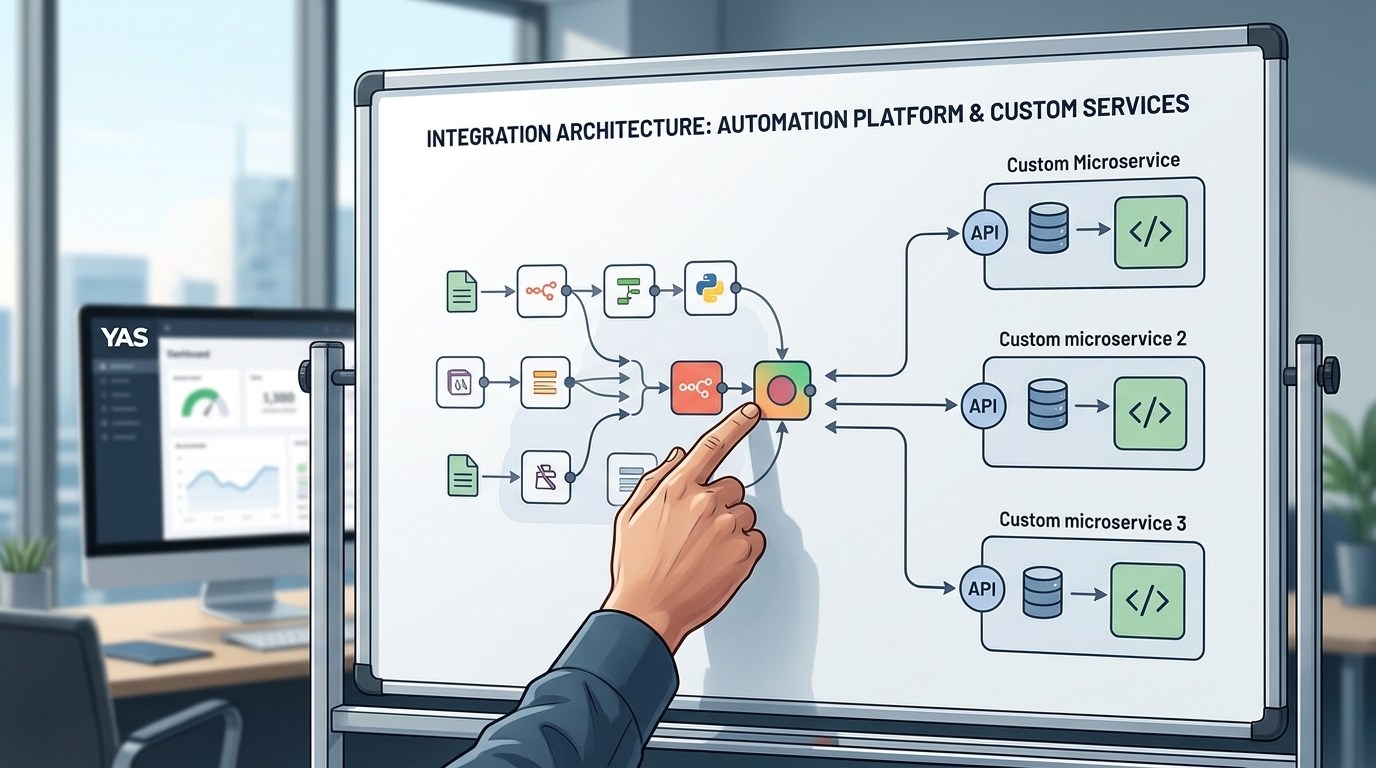
The decision between utilizing n8n and building custom software is rarely a binary choice. Many scaling enterprises adopt a hybrid approach, leveraging n8n to handle rapid integrations, marketing campaigns, and internal operational workflows, while relying on custom software development for core product features, proprietary algorithms, and high-volume data processing. This hybrid strategy allows organizations to balance speed and control, enabling them to adapt quickly to changing operational needs without compromising the performance or security of their core business assets.
When planning your technical roadmap, founders and technical operators should evaluate the complexity of their business logic and the frequency of expected changes. If a workflow is subject to frequent modifications based on marketing experiments or operational adjustments, an automation platform provides the necessary agility. Conversely, if the workflow represents the core intellectual property of the business, requires strict transactional integrity, or must scale to handle high volumes efficiently, investing in custom engineering from the beginning is often the more sustainable and reliable path.
| Feature | n8n Automation | Custom Workflow Software |
|---|---|---|
| Development Velocity | Rapid for supported APIs | Requires custom engineering from scratch |
| Integration Approach | Pre-built nodes and visual configuration | Bespoke API clients and direct code |
| User Interface | Visual builder canvas for operators | Bespoke dashboards tailored to roles |
| Testing and Verification | Manual execution and basic version sync | Automated unit and integration test suites |
| Resource Efficiency | Higher overhead per execution step | Optimized execution with minimal overhead |
Steps to Evaluate Your Automation Requirements
- Identify all required data sources and third-party API endpoints.
- Estimate expected transaction volumes and peak execution frequencies.
- Determine if non-technical team members require a dedicated user interface.
- Assess the internal engineering capacity to write and maintain custom code.
- Analyze the long-term hosting and operational costs of both approaches.
Choosing an automation architecture is a strategic decision that balances immediate operational agility against long-term technical debt.
FAQ
Is n8n free to use?
n8n offers self-hosting options under its specific licensing terms, alongside paid cloud-hosted plans for managed services.
Can n8n handle high-volume data migrations?
While n8n can process data sequences, high-volume data migrations or ETL tasks may introduce performance bottlenecks compared to custom-built data pipelines.
How does security compare between n8n and custom software?
Both approaches can be configured securely. Self-hosted options allow deployment within a private network, while custom software offers granular control over security protocols and data access.
What happens when a third-party API changes?
In an automation platform, you must update the corresponding nodes or HTTP requests. In custom software, developers modify the integration code directly.
Can you transition from n8n to custom software later?
Yes, starting with an automation platform to define workflow requirements can help clarify the specifications before investing in custom development.
How do AI integrations fit into this comparison?
Automation platforms often provide pre-built nodes for AI services, while custom software allows for bespoke memory management and complex orchestration logic.